 By
By 


The Macs offer an app entitled Apple DVD Player for users who want to play DVDs on MacBook Air, MacBook Pro, iMac, etc. Though this default DVD player is able to play all standard DVDs and other media, it doesn't support DVDs with region codes and copy protections. That's why you will frequently common errors with the DVD player like gray screen, the disc won't eject, not working, etc. when playing commercial DVDs. In such situations, you may have to swith to another third-party DVD player for Mac.
Luckily, there are many specialized third-party apps that can help play a DVD on Mac smoothly. To save your time, we tested a variety of popular third-party free DVD player software for Mac and handpicked the best 6 ones worth trying in 2026.
DVD not Playing on Mac? Try Converting DVD to Digital
Sometimes, even if you have a macOS compatible DVD player, you probably can't play DVDs as there are region code restriction and copy protection issues. If you don't want to install any third-party DVD player app on your MacBook or iMac, converting DVD to digital is a nice option. Once done, you can play the DVD videos on Mac with any players without any limits. To digitize DVD collection, you can adopt EaseFab DVD Ripper for help. This tool can fast rip any DVD to MP4, MOV, MKV and any other formats without quality loss.
- 1. 5K Player
- 2. VLC Media Player
- 3. Elmedia Player
- 4. XBMC Kodi
- 5. Elmedia Player
- 6. MPlayerOSX
- FAQs about Playing DVD on Mac
Top 6 Third-party Free DVD Player Software for Mac
Top 6 Free DVD Player Software for Mac in 2026
To identify the best six DVD players for Mac, we considered factors such as OS compatibility, media playback capabilities, user interface, download popularity, and user reviews from reputable sources like CNET and Softonic. Read on for our reviews and find the best one that suits you to play your DVDs on MacBook Air/Pro, iMac, etc.
1. 5K Player
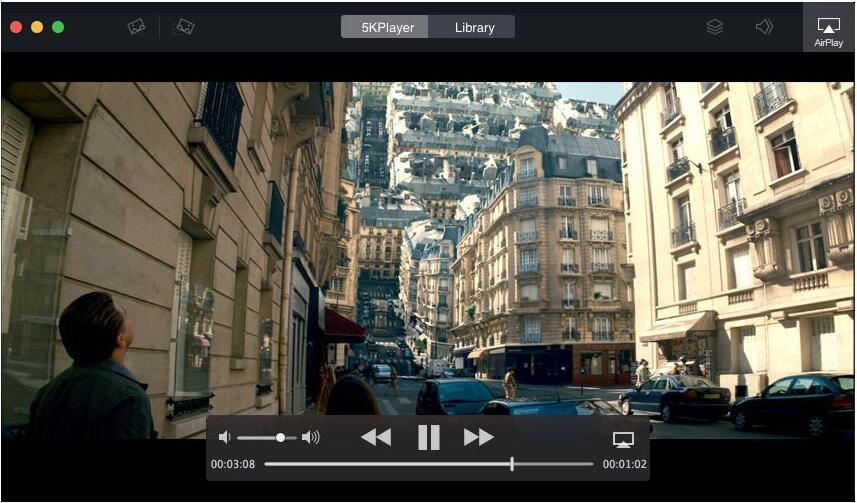
5KPlayer is a safe and free DVD player for macOS Tahoe and lower. It's able to play all DVDs on Mac, whether they are store-bought or homemade. This means you can play any copy-protected DVDs with regions, CSS, RCE, Disney DRM, any other encryptions. Besides DVD disc, it can also play ISO files, VIDEO_TS folder, and VOB videos and other videos in different formats. More than a meda player, this free DVD player app for Mac has many other useful features like Airplay, online video download, radio player, etc.
2. VLC Media Player
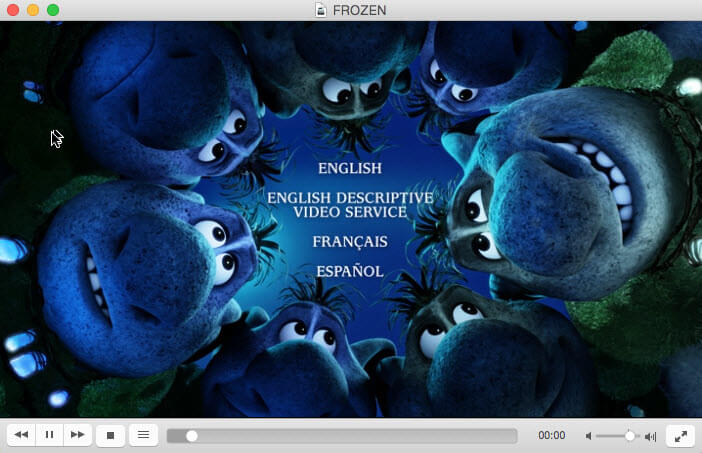
VLC is a free, easy-to-use and open source and free DVD player for Mac, Windows and Linux. With it, you can play DVD, Audio CD, VCD, video files, and streaming media without problems. It has the libdvdcss library built-in so that it's able to play protected DVDs on MacBook Air, MacBook Pro, iMac, etc. computers, including DVDs protected by CSS and region codes. When playing a DVD with VLC, you can select title, chapter, audio and subtitle track, jump forward, jump backword, jump to specific time, set playback speed from 0.02x to 32x, deinterlace, and more. There are quite a lot of options.
Though VLC has libdvdcss to play protected DVDs on Mac, it won't play all DVDs and playback errors often occur with certain discs. For example, VLC often fails to play Disney DVDs due to advanced Disney DRM and structural copy protections such as ARccOS. These complex anti-piracy measures may cause VLC to freeze, crash, or fail to read the disk. Check here to get detailed solutions.
3. Elmedia Player
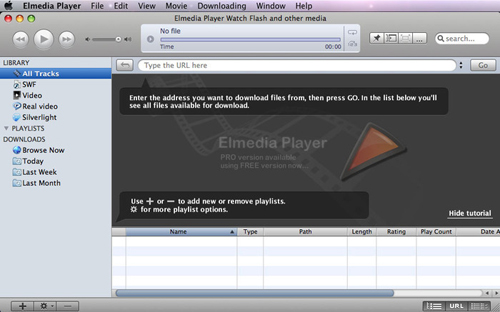
Elmedia Player is another good DVD player for Mac. It will let you watch both commercial and homemade DVD discs, as well as DVD ISO files and VIDEO_TS folders without additional codecs. It offers numerous playback options, such as playback speed control, video and audio filters, and subtitle support, to enhance your DVD viewing experience. It also gives you the opportunity to capture screenshots and create bookmarks while playing a DVD, or choose to play only specific chapters or scenes.
4. XBMC Kodi
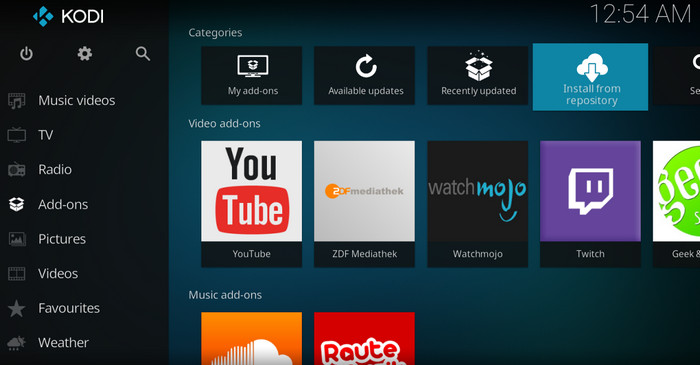
Kodi is a free and opne-source app that's used to manage your local digital media files. It's available for macOS, Android, Linux, iOS, and Windows. As a versatile media center, it can also be used as a free DVD player for Mac to play DVDs, Blu-rays, audio CDs, music, radio, and TV shows. Kodi's extensive ecosystem of add-ons provides additional features and functionality, including DVD playback enhancements and support for different DVD regions. You can set the DVD player region free, and also the auto playback, play mode, etc. It also has add-ons to get access to sports events, shows, movies, etc.
Simliar to VLC, Kodi comes with libdvdcss to decrypt DVD media with CSS encryption, but it may also have problems with DVDs protected by newer encryptions.
5. Elmedia Player
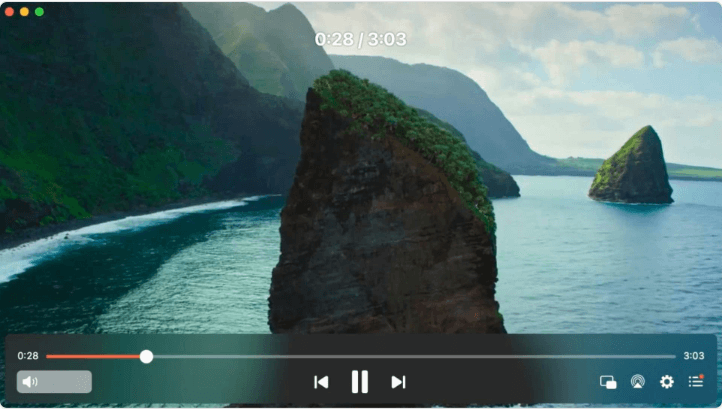
Elmedia Player is a highly-rated and versatile media player for macOS that can play virtually any file format (AVI, MKV, MP4) and DVD files without lag. This free DVD player for Mac is able to play various DVD discs, DVD ISO files and Video_TS folders on MacBook Pro or iMac without any trouble. It also offers many playback options, such as playback speed control, video and audio filters, and subtitle support. It also gives you the opportunity to capture screenshots and create bookmarks while playing a DVD, or choose to play only specific chapters or scenes.
6. MPlayerOSX
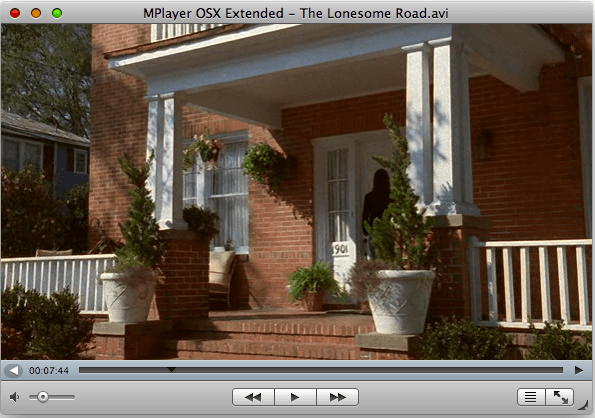
MPlayerOSX is a high-quality and open-source video player that can also be used as a free DVD player for Mac. It supports a wide range of video and audio formats, DVDs, and CDs. It offers a wide selection of advanced features like playback speed control, video and audio filters, and subtitle support. However, this app lacks the automated region code bypassing found in more modern players and it has no proper playlist feature.
FAQs about Playing DVD on Mac
1. Can QuickTime player play DVDs on Mac?
Apple claims that "You can use QuickTime Player to play media stored on your computer's hard disk, a CD, a DVD, or the Internet.". However, that's not true. QuickTime player cannot play commercial DVDs directly. . While it can play individual video files (.vob, .mp4) stored on a data DVD, it lacks the necessary codecs and software to play standard movie DVDs, VOB files, or VIDEO_TS folders.
2. Can I play a DVD on Mac without a DVD player?
Playing DVDs on Mac requires a DVD player and a DVD drive (whether it's an internal or external drive). If you don't want to use a DVD player app or an optical drive to play a disc, the only way is to convert the DVD into a digital format. Then you can open the converted DVD movie with any other media player freely.
3. Why Apple DVD Player says "Not Permitted"?
If this error message pops up for certain DVDs, it may be because it doesn't support the DVD protection or DVD type; if this error appears for every DVD, the problem might be the settings.
4. Why does Mac automatically eject DVDs?
It happens because you insert a DVD whose region is different from the one the DVD drive is set to, and you don't change the region code when prompted, or when you have reached the maximum number of region changes.
5. Will any external DVD drive work with Mac?
In general, most external DVD drives are compatible with MacBook Pro/Air, but there are a few factors to consider to ensure compatibility. Check the specs such as the speed, connection type, region, driver requirements, and power source.


 Sales Team: